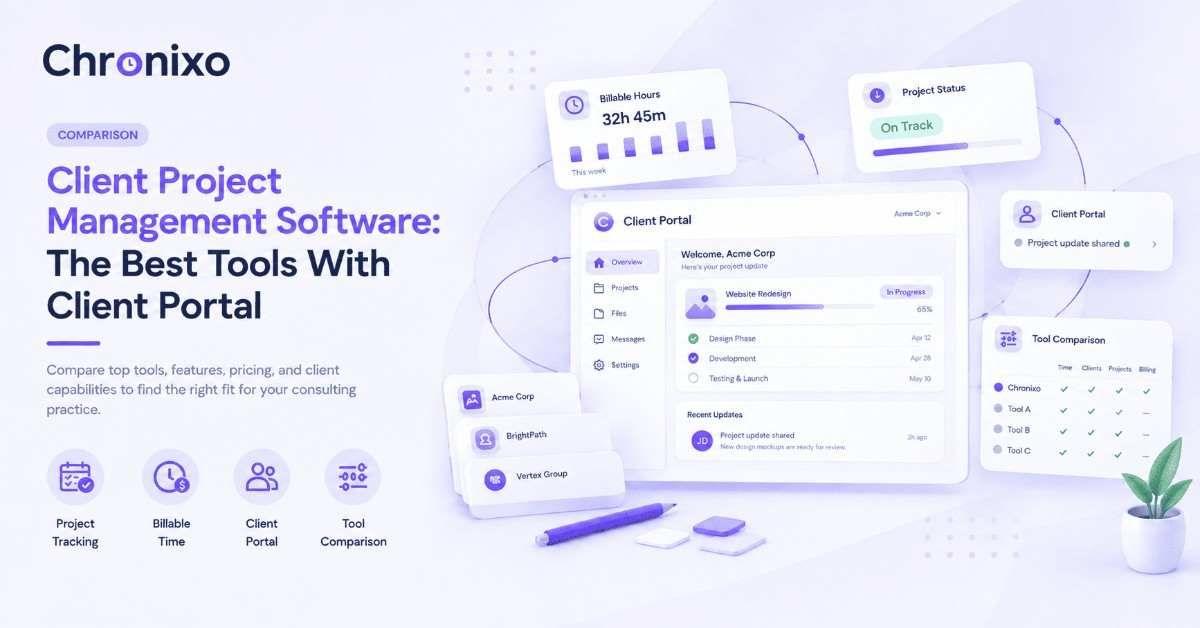
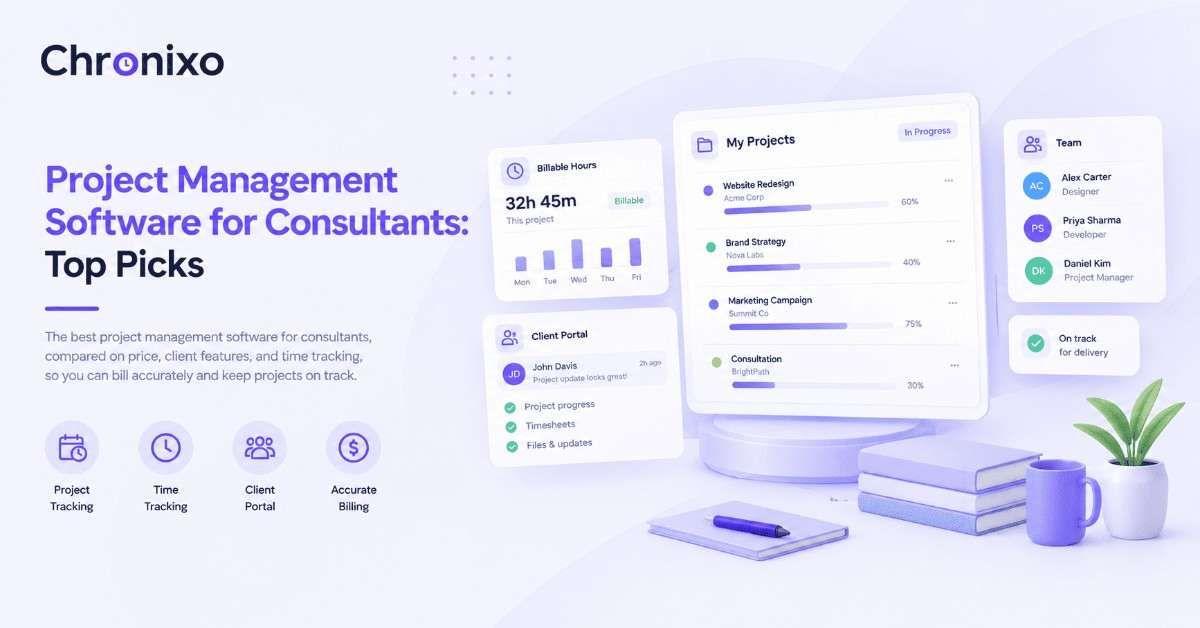
There are dozens of employee time tracking tools, and most "best of" lists blur together because they never say who each tool is actually for. This one does. We compared 10 of the most credible options on price, core features, and the type of team each suits best, drawing on current pricing and verified user ratings from G2 and Capterra. Chronixo sits at the top for client-service teams, and its Time Tracking is the benchmark we'll compare the rest against, but the right choice genuinely depends on how your team works.
Key Takeaways
- There's no single "best", there's a best for your team. Client billing, field work, remote monitoring, and free-tier needs each point to a different tool.
- Chronixo is the top all-in-one for agencies and client work. Tracking, screenshots, client portal, and approvals in one plan at $8/user/mo.
- Price varies widely, and cheap can cost more. Low entry prices often gate the features you need behind higher tiers.
- Free tiers differ enormously. Clockify and TimeCamp offer generous free plans; others limit seats or features sharply.
- Match the monitoring level to your culture. Some tools lean heavy-surveillance; others (including Chronixo's transparent, own-your-data model) prioritize trust.
How We Compared These Tools
This isn't a feature dump. Each tool below is assessed on the things that actually decide a purchase: starting price, whether there's a real free plan, the standout capability that makes it worth choosing, the team type it fits best, and its verified user ratings from G2 and Capterra. Pricing reflects current published rates at the time of writing; always confirm on the vendor's site, since plans change. The goal is to help you shortlist in minutes, not read thirteen near-identical reviews.
The 10 Best Employee Time Tracking Tools
1. Chronixo, Best all-in-one for software and IT agencies
Price: $8/user/month (every feature, one plan), 14-day free trial, no credit card. Chronixo is built for agencies that run sprints and bill clients by time, not retrofitted for them like most tools. Where competitors make you choose between accurate tracking and real project management, Chronixo combines both: a real-time desktop timer with screenshots, idle detection, and app/URL tracking, automatic timesheets, native sprint planning, Kanban and Gantt views, and a branded client portal, all in a single plan rather than scattered across upgrade tiers.
Its standout is a combination no competitor offers at any price: native sprint planning, a dedicated client portal, BYOS S3 screenshot storage (screenshots go to your own AWS, GCP, or Azure bucket, not a vendor server), and a 4-level approval chain. For agencies that want tracking, sprints, and client reporting in one place, and for its time tracking software for the agency use case specifically, that all-in-one design is the reason teams switch.
Pros: Every feature in one $8/user/mo plan; native sprint planning, client portal, BYOS-S3, and 4-level approvals all included; desktop app on macOS, Windows, and Linux; transparent, trust-first monitoring.
Cons: Purpose-built for agencies that run sprints and bill by time, so a strict solo user may not need its depth; newer than the established names.
2. Harvest — Best for client billing and invoicing
Price: from $13.75/user/month, free plan for 1 seat. Harvest is a long-established favorite for turning tracked hours into client invoices. Its timers are simple, its budget and capacity reports are clean, and invoicing (including online payments and expense tracking) is where it shines. It's a strong pick if billing clients is the core of your workflow and you don't need monitoring.
Pros: Excellent invoicing and expense tracking; clean, visual budget reports; wide integrations (Asana, Slack, QuickBooks).
Cons: No automatic or screenshot-based capture; basic project management; no offline or GPS; can strain for large teams. G2 4.3 / Capterra 4.6.
3. Toggl Track — Best for simplicity and ease of use
Price: from $10/user/month, free plan available. Toggl Track nails frictionless tracking: one-click timers, manual entry, calendar sync, and a clean color-coded interface. It's a favorite among freelancers and small teams who want tracking to feel natural rather than heavy. The trade-off is that paid plans run pricey for what small teams get, and there's no monitoring layer.
Pros: Very easy, low-friction tracking; strong reports by project and client; good for freelancers and small teams.
Cons: Paid plans expensive relative to features; admin learning curve; no screenshots/monitoring. G2 4.6 / Capterra 4.7.
4. Clockify — Best free version
Price: free for unlimited users; paid from $6.99/seat/month. Clockify is the go-to when budget is the priority, its free plan covers unlimited users and projects, with timers, timesheets, and kiosk mode. Paid tiers add billing, approvals, scheduling, and PTO. It's a genuinely capable free tool, though it lacks screen capture and its reporting can feel complex at first.
Pros: Free for unlimited users and projects; timer, manual, and kiosk modes; SOC 2 certified with strong uptime.
Cons: No screenshots or activity monitoring; reporting has a learning curve; occasional sync delays. G2 4.5 / Capterra 4.8.
5. Hubstaff — Best for field services and GPS
Price: from $4.99/seat/month, 14-day trial (no free plan). Hubstaff pairs time tracking with GPS, geofencing, and activity monitoring, making it a strong fit for field and mobile teams that need location accountability alongside hours. It also automates payroll and invoicing. The monitoring can feel intrusive for office teams, and the interface has a learning curve.
Pros: GPS and geofencing for field teams; activity monitoring and real-time dashboards; automated payroll/invoicing.
Cons: Monitoring may feel intrusive; complex for beginners; basic project management. G2 4.5 / Capterra 4.6.
6. Time Doctor — Best for productivity and activity monitoring
Price: from $6.70/user/month, no free plan. Time Doctor focuses on accountability, activity tracking, distraction alerts, screenshots, and detailed productivity reports. It suits managers who want a clear picture of how work time is spent across a team. As with any heavy-monitoring tool, the trade-off is that it can feel surveillance-forward for some cultures.
Pros: Detailed productivity and activity insights; distraction alerts and screenshots; scales across team sizes.
Cons: Monitoring can feel intrusive; manual task switching; no phone support. G2 4.4 / Capterra 4.5.
7. TimeCamp — Best for productivity insights on a budget
Price: free plan available; paid from $1.99/user/month. TimeCamp offers automatic, keyword-based time tracking, easy timesheets, invoicing, and 100+ integrations at one of the lowest entry prices on this list. It's a solid pick for freelancers and small teams who want automated tracking without a big spend. The mobile app and invoice customization are its weaker points.
Pros: Very affordable; automatic activity-based tracking; 100+ integrations; free plan with unlimited users.
Cons: Limited mobile app; tricky time-entry editing; not ideal for large enterprises. G2 4.7 / Capterra 4.7.
8. Jibble — Best free attendance and time clock
Price: free for unlimited users; paid from $3.49/user/month. Jibble is a standout free option for attendance and clock-in/out, with facial recognition, GPS, and geofencing that make it strong for shift and frontline teams. It calculates hours, overtime, and breaks automatically. It's less suited to project-based billing, with no built-in scheduling or messaging.
Pros: Free forever for unlimited users; biometric verification cuts buddy-punching; GPS/geofencing for on-site teams.
Cons: No built-in scheduling; limited report customization; no messaging. G2 4.6 / Capterra 4.8.
9. Everhour — Best for project-management-tool integrations
Price: free plan for small teams; paid from $10.50/seat/month (5-seat minimum). Everhour embeds time tracking directly inside tools like Asana, ClickUp, and Trello, so teams track without leaving the apps they already use. It includes budgeting, approvals, and idle detection. The catches: no Android app, no offline mode, and a 5-user minimum on paid plans.
Pros: Deep PM-tool integrations (Asana, ClickUp, Trello); project budgeting with alerts; approvals and idle detection.
Cons: No Android app; no offline mode; 5-seat minimum on paid plans. G2 4.7 / Capterra 4.7.
10. QuickBooks Time — Best for QuickBooks payroll users
Price: from $20 base + $8.80/user/month, no free plan. Formerly TSheets, QuickBooks Time is the natural choice if you already run QuickBooks, integrating directly with QuickBooks Online, Payroll, and Desktop. It offers GPS, scheduling, and overtime alerts. Its best features (like geofencing) sit on the pricier Elite plan, and offline support is limited.
Pros: Seamless QuickBooks integration; GPS and scheduling; overtime alerts and clear edit logs.
Cons: Top features gated to Elite plan; limited offline; base + per-user pricing adds up. G2 4.5 / Capterra 4.7.
Quick Comparison Table
| Tool | Best for | Starting price | Free plan |
| Chronixo | Agencies / client-service teams (all-in-one) | $8/user/mo | 14-day trial |
| Harvest | Client billing & invoicing | $13.75/user/mo | Yes (1 seat) |
| Toggl Track | Simplicity & ease of use | $10/user/mo | Yes |
| Clockify | Best free version | $6.99/seat/mo | Yes (unlimited) |
| Hubstaff | Field services & GPS | $4.99/seat/mo | No (trial) |
| Time Doctor | Productivity monitoring | $6.70/user/mo | No |
| TimeCamp | Affordable automation | $1.99/user/mo | Yes |
| Jibble | Free attendance / time clock | $3.49/user/mo | Yes (unlimited) |
| Everhour | PM-tool integrations | $10.50/seat/mo | Yes |
| QuickBooks Time | QuickBooks payroll users | $20 + $8.80/user/mo | No |
Chronixo brings tracking, screenshots, approvals, and a client portal into one $8/user/mo plan, no feature gates. Try everything free for 14 days.
Start Free Trial →Which One Should You Choose?
Rather than the single "best," match the tool to your situation. If you're an agency or client-service team that wants tracking, monitoring, approvals, and a client portal without stitching together three tools, Chronixo is the most complete pick at its price. If you only bill clients, Harvest is excellent. If budget rules, Clockify or TimeCamp lead on free and low-cost tiers. For field and shift teams, Hubstaff, Jibble, or QuickBooks Time make more sense, and for deep monitoring, Time Doctor.
Remote-first teams have a particular balance to strike between visibility and trust, which is worth thinking through before you commit. Our guide to time tracking software for remote teams covers exactly that trade-off.
Next Steps
The best employee time tracking software is the one that fits how your team actually works, so shortlist two or three from the table above and trial them against a real project. If your work is client-based and you'd rather not juggle separate tools for tracking, monitoring, approvals, and client reporting, Chronixo is built to do all of it in one place. Start a 14-day free trial, no credit card, and see how it compares for your team.