Plenty of teams run a project management tool and a separate time tracker, then spend hours reconciling the two. The better setup is one tool where tracked hours attach directly to tasks and roll into budgets and reports automatically.
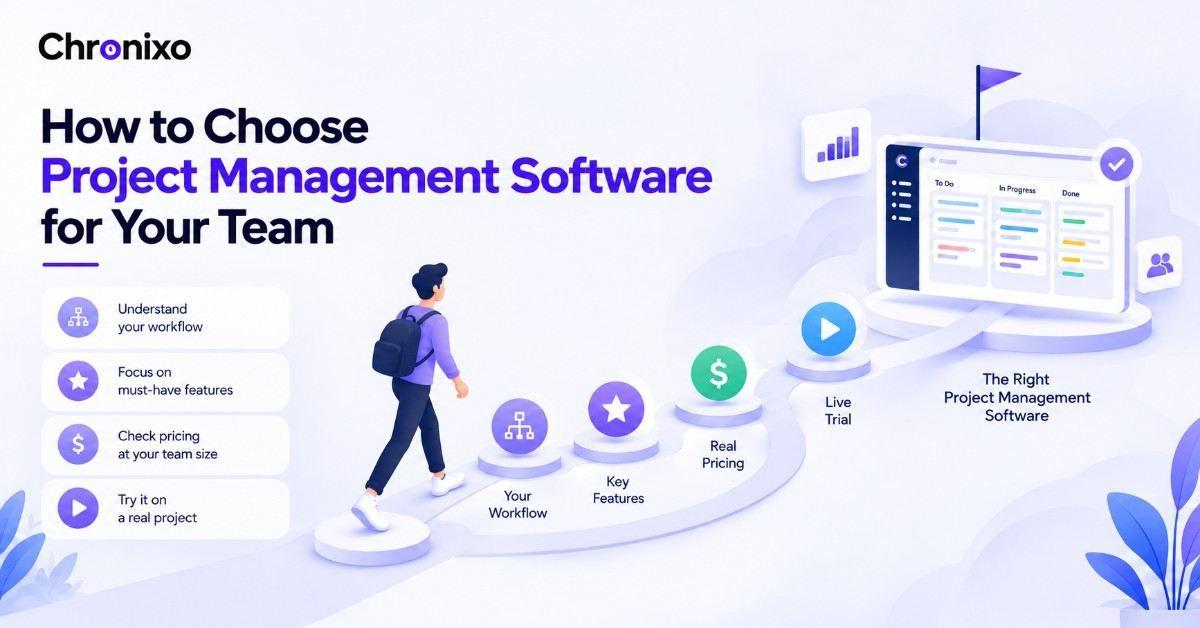
This list ranks the tools that genuinely combine both, not project tools with a bolted-on timer, but platforms where time and projects share the same data. Chronixo leads, and if you're still working out your criteria, our guide on how to choose project management software covers the decision first.
Key Takeaways
- One connected tool beats two stitched together. Time that attaches to tasks automatically saves hours of reconciliation.
- "Built-in" varies in depth. Some tools have a basic timer; others tie hours to budgets, approvals, and reporting.
- Watch for gated time tracking. Several tools lock time tracking behind higher tiers, so the real cost is more than the headline.
- Chronixo leads for affordable all-in-one. Project tracking and billable time in one $8/user/mo plan, no gating.
- Billable teams get the most value. Agencies and consultants benefit most from hours flowing straight into billing.
How We Compared These Tools
Each tool is assessed on how deeply time tracking connects to projects (basic timer vs hours tied to budgets and reports), price, whether time tracking is gated, and fit by team size. Pricing reflects current published rates and can change, always confirm with the vendor.
The Best Project Management Software With Time Tracking
1. Chronixo - Best affordable all-in-one for PM + time
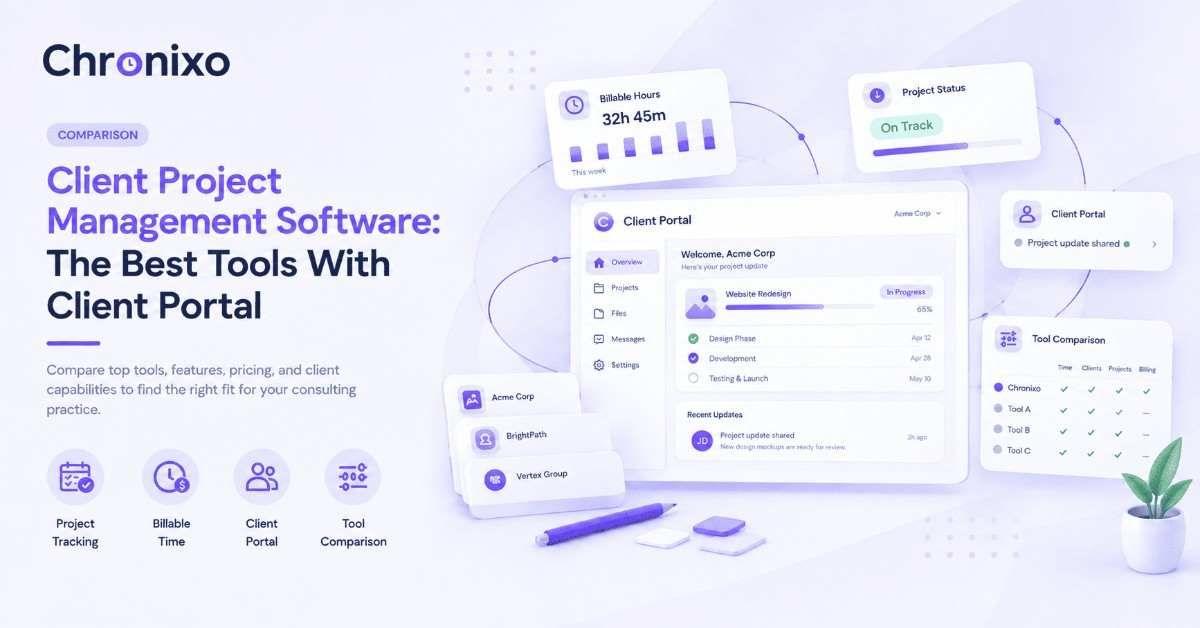
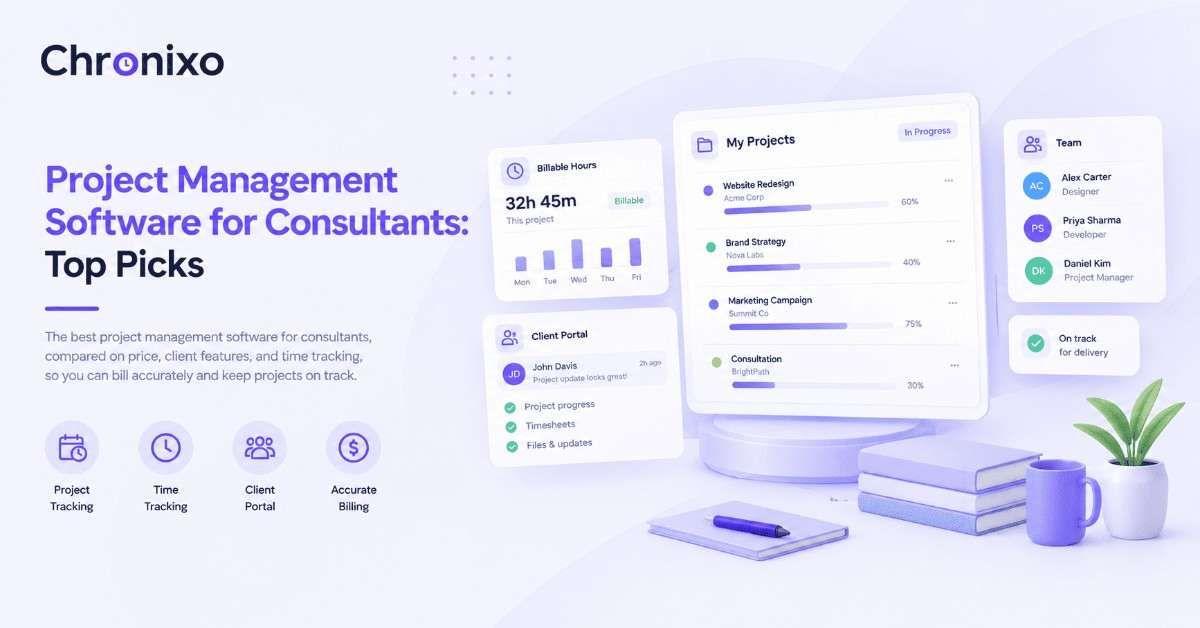
Price: $8/user/month, one plan, 14-day free trial, no credit card. Chronixo was built around this exact combination: project tracking (boards, sprints, Gantt) and time tracking in one workspace, where a timer attaches to the task you're working on and hours roll into timesheets and reports automatically. There's no second tool, no export, and no reconciliation, the whole point of the product is that the two live together.
Its standout is that time tracking isn't gated or bolted on, it's core, and included in the single $8/user/month plan alongside a client portal and approvals. For agencies and consultants who bill by time and want project management in the same place, it's the most practical, best-value pick, with no premium tier required to unlock the timer.
14-day free trial with no credit card; transparent single-plan pricing; built by SolGuruz, an established software company.
Expertise: Project management and time tracking built as one system, hours attach to tasks and flow into timesheets and reports automatically.
Who Is It Best For?: Agencies, consultants, and teams that bill by time and want project tracking plus time tracking in one affordable plan.
Key Use Cases: Running a timer against the task you're on, planning projects with sprints or boards, and turning tracked hours into timesheets and reports without a second tool.
2. ClickUp - Best all-in-one value for feature depth
Price: from around $7/user/month; generous free tier. ClickUp packs project management, docs, and a native time tracker with one-click timers on every task, plus reporting, into a highly customizable platform. Time tracking is available even on lower tiers, making it strong value, though the depth of features takes time to configure.
Who Is It Best For?: Teams wanting a customizable all-in-one with built-in time tracking at a low per-seat price.
3. Teamwork.com - Best for billing clients from tracked time
Price: from around $9.99/user/month; free tier logs time. Teamwork is the most complete option when time tracking exists to bill clients, every plan logs time and separates billable from non-billable, with higher tiers adding timesheets, budgets, and client invoices built from logged hours. Purpose-built for client-services teams.
Who Is It Best For?: Client-services agencies whose time tracking feeds directly into client billing and budgets.
4. Paymo - Best for small agencies that invoice from time
Price: free for single users; team plans from around $9.90/user/month. Paymo puts a timer and timesheet next to tasks, and tracked time becomes a client invoice on any plan. It's built for small agencies and freelancers who want time tracking to end in an invoice, with profitability and scheduling on higher tiers.
Who Is It Best For?: Small agencies and freelancers who want tracked time to turn directly into client invoices.
5. Zoho Projects - Best for Zoho-ecosystem teams
Price: from around $5/user/month; free tier for small teams. Zoho Projects includes built-in timers and timesheets that log hours against tasks, with logged time feeding budget tracking. It's affordable and strongest for teams already using the wider Zoho suite, where project, time, and finance data connect.
Who Is It Best For?: Teams already using Zoho apps who want affordable PM with built-in time tracking.
6. Wrike - Best for larger teams needing depth
Price: time tracking gated to the Business plan (around $24.80/user/month, annual). Wrike offers time tracking with timesheets and manager approvals, plus strong resource planning and automation, but the timer is locked to its higher tier. Best for larger teams that need depth and can absorb the higher price for time features.
Who Is It Best For?: Larger teams needing advanced PM depth that can pay for time tracking on the Business tier.
7. monday.com - Best for visual boards with time tracking
Price: from around $9/user/month; time tracking on higher tiers. monday.com embeds a time-tracking view directly into project boards, letting teams log hours against tasks, monitor budgets, and view workload. It's visual and easy to adopt, though time tracking sits on its mid-to-upper plans rather than the entry tier.
Who Is It Best For?: Teams that run work visually in monday.com and want time tracking tied to their boards.
8. Harvest - Best when time tracking comes first
Price: free tier; paid Teams plan with unlimited seats. Harvest is a time tracker first with light project features, clean and fast for a "track time, send invoice" workflow. If you need deep PM (Gantt, dependencies, resource planning) it isn't built for that, but for time-led billing it's simple and reliable.
Who Is It Best For?: Teams whose workflow is time-first (track, invoice, get paid) and don't need deep project management.
Quick Comparison Table
| Tool | Best for | Starting price | Time tracking |
| Chronixo | Affordable all-in-one PM + time | $8/user/mo | Core, all plans |
| ClickUp | Customizable all-in-one value | $7/user/mo | Lower tiers |
| Teamwork.com | Billing clients from time | $9.99/user/mo | All plans |
| Paymo | Invoicing from tracked time | $9.90/user/mo | All plans |
| Zoho Projects | Zoho-ecosystem teams | $5/user/mo | Built-in |
| Wrike | Larger teams, depth | $24.80/user/mo | Business tier |
| monday.com | Visual boards + time | $9/user/mo | Higher tiers |
| Harvest | Time-first billing | Free / Teams | Core |
Chronixo builds project management and time tracking as one system, hours attach to tasks and flow into reports automatically, in a single $8/user/mo plan. Try it free for 14 days.
Start Free Trial →How to Choose the Right Combined Tool
Match the tool to how deeply you need time and projects connected:
- Want both in one affordable plan, no gating: Chronixo or ClickUp.
- Time tracking exists to bill clients: Teamwork or Paymo, where hours become invoices.
- Already in an ecosystem: Zoho Projects (Zoho) or monday.com (if you run work there).
- Time-first workflow: Harvest, if deep PM isn't needed.
If your priority is specifically consulting or agency billing, the audience-focused roundups go deeper, see project management software for consultants and agency project management software.
Next Steps
The best project management software with time tracking keeps hours and projects in one connected system, so tracked time flows into budgets, billing, and reports without manual work or a second app.
Shortlist two or three from the table and trial them on a live project. If you want project tracking and time tracking built as one, in a single affordable plan with no gating, Chronixo is built for exactly that. Start a 14-day free trial and see how the two work together.