Most agencies and consultancies already track plenty of internal data, hours logged, budget burn, team utilization. The mistake is assuming a client wants to see all of it. A good client reporting dashboard isn't a smaller version of the internal one, it's built around a different question entirely: not "how is the work being done," but "is this project on track, and can I trust what I'm being shown?"
This guide covers what belongs on a client-facing dashboard, what should stay internal, and why the right answer often changes depending on the industry the client is in.
Key Takeaways
- A client dashboard answers a different question than an internal one. Clients want confidence the project is on track, not a full operational view.
- Hours and rates rarely belong on a client-facing screen. Showing raw internal data often creates more questions than it answers.
- Milestones and progress matter more than granular task lists. Clients think in outcomes, not in the individual tasks that produce them.
- The right dashboard changes by industry. A law firm's client wants something different from a construction client or a marketing client.
- Sign-off and approval features turn a dashboard from a status page into a working tool. Clients should be able to act on what they see, not just view it.
What Is a Client Reporting Dashboard?
A client reporting dashboard is a client-facing view into a project's status, separate from the internal tools a team uses to actually manage the work. It typically shows progress, upcoming milestones, and recent updates, without exposing the internal detail that goes into producing that progress.
The distinction matters because internal project management and client communication are solving two different problems. Internal tools need granular detail, task-level tracking, hour-by-hour logs, and resource allocation. A client dashboard needs clarity, a quick, honest answer to "where does this stand right now."
What Clients Should See vs What Should Stay Internal
This is the decision most teams get wrong in one direction or the other, either oversharing raw internal data, or under-sharing to the point that clients feel kept in the dark. Here's a reasonable line to draw:
The pattern underneath this table is simple: show outcomes and decisions, keep operations and internals private. A client rarely benefits from seeing that a task took 4.5 hours instead of 3, but they do benefit from knowing a milestone is on schedule and ready for their sign-off.
Why Generic Dashboards Fail Different Industries
A dashboard built for one kind of client work rarely fits another without adjustment. The language and the priorities both shift:
A construction client cares about phase completion and inspection dates. A law firm's client cares about matter status and document readiness. Using the same generic "task list" view for both means neither one gets what actually matters to them, which is a big part of why terminology and dashboard structure need to adapt by industry rather than staying one-size-fits-all.
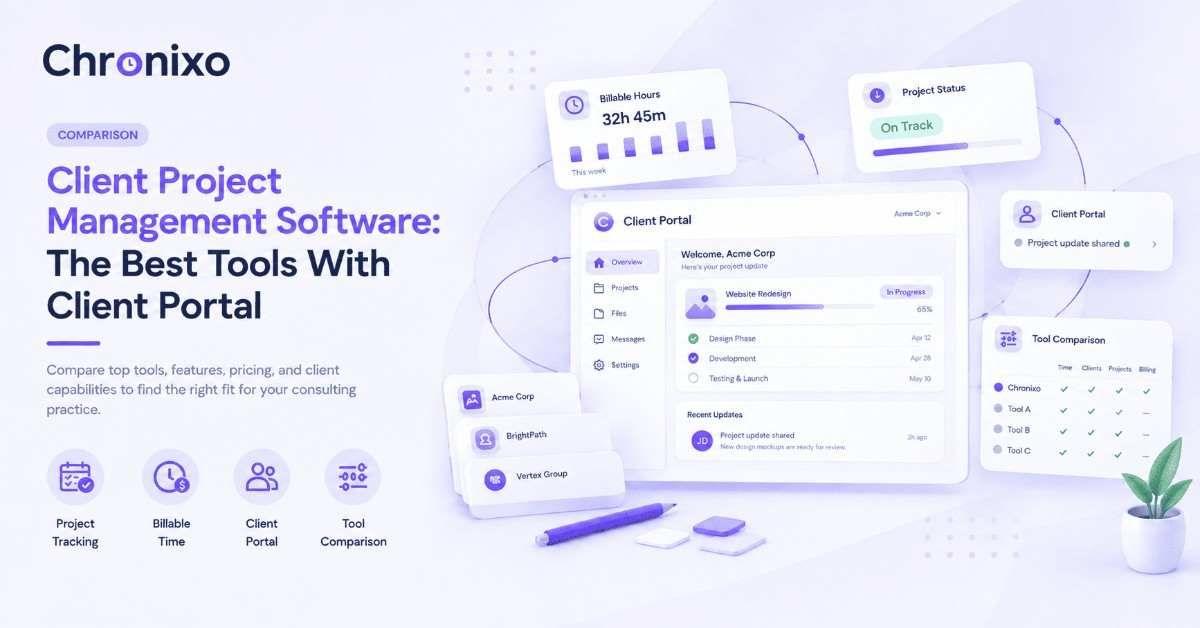
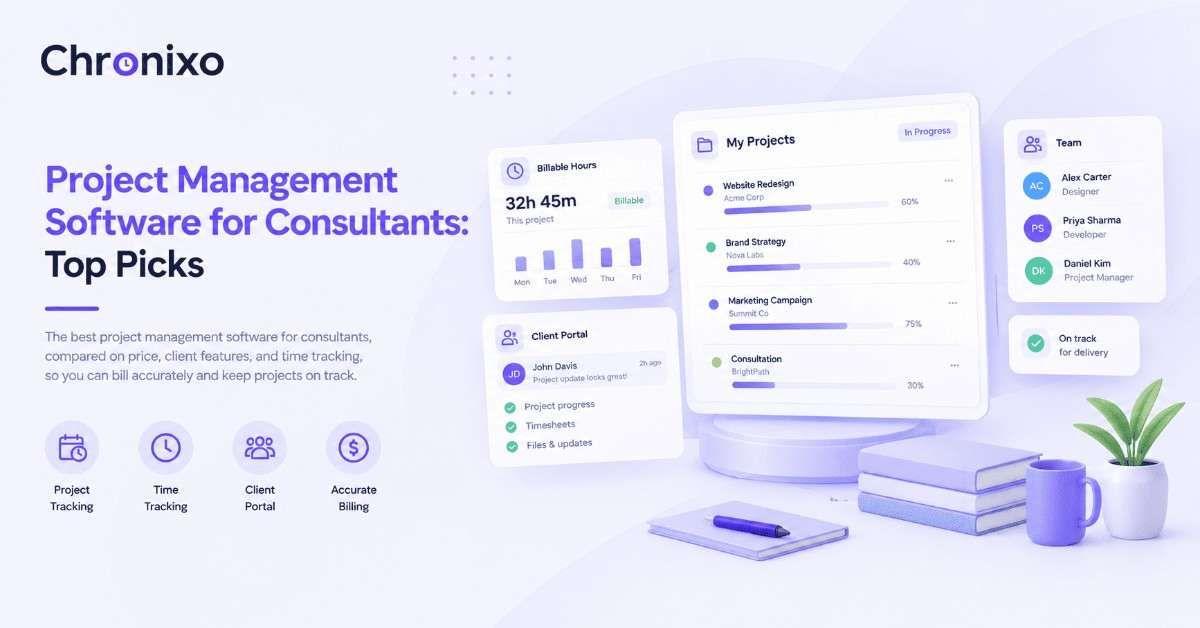
Chronixo's client portal shows progress, milestones, and sign-off, without ever exposing internal hours or rates.
Book a Demo →How Chronixo's Client Portal Handles This
Chronixo runs every project on two connected surfaces. Internally, the team works in the Admin Panel, full task detail, time tracking, and approvals. Externally, clients see their own branded portal: progress, milestones, and a clear timeline, with sign-off built in where a decision is needed.
Next Steps
A client reporting dashboard works best when it's built around what the client actually needs to know, not a smaller version of the internal project view. That means showing progress, milestones, and decisions clearly, keeping hours and rates internal, and adjusting the language and structure to fit the industry the client is in.