There is a conversation every agency owner has had at least once.
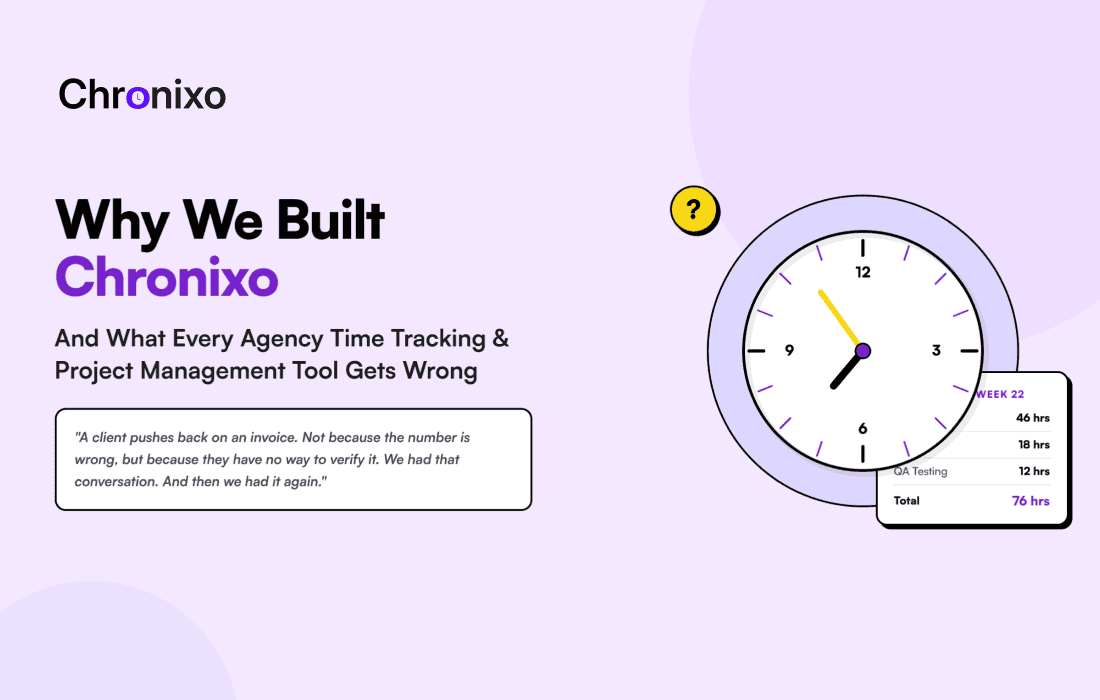
A client pushes back on an invoice. Not because the number is wrong, but because they have no way to verify it. They did not know what was happening on their project day to day. Now they are staring at a timesheet that says "Development: 46 hours" and wondering what 46 hours of development actually looks like.
We had that conversation. Then we had it again. Then we started asking why, with dozens of time tracking and project management tools on the market, agencies were still having it.
That question is what led us to build Chronixo.
The Way Most Agencies Actually Work
When we talk to agency teams, the operational picture is almost always the same.
- Projects run in sprints or phases
- Multiple clients are active simultaneously
- Each client expects visibility into their project without sending a status-request email
- Time is billed by the hour, by the deliverable, or against a retainer
- Every month, someone spends hours stitching together time logs, sprint reports, and project updates into a format that can be shared with clients
The tools most agencies use were not built for this reality.
What We Tried Before Building Chronixo
Before we wrote a single line of Chronixo code, we used every major tool in the category. We helped client teams implement combinations of them. Here is what we found.
Time Tracking Tools: Clockify, Toggl Track, Harvest
These tools are excellent at what they do. They capture hours accurately, generate clean reports, and are simple enough that an entire team will actually use them consistently.
The problem is that they are only time tracking tools. They have no native sprint planning, no project management built in, no client portal where clients can check their own project status, and no formal timesheet approval workflow.
The moment an agency needs to show a client something, they are exporting a CSV and building a PDF report by hand. Every single billing period.
Project Management Tools: Asana, ClickUp, monday.com
These tools are excellent at organising work: tasks, boards, timelines, automations, and every project view you could want.
But native time tracking is either absent or an afterthought. Agencies using ClickUp for project management still run Toggl or Harvest alongside it for billing. The result is two separate logins for the team, two data sources that never fully agree, manual reconciliation at the end of every billing period, and still no client portal.
Employee Monitoring Tools: Hubstaff, Time Doctor
These tools were built to answer a specific question: is my remote team actually working? Screenshot monitoring, activity tracking, and website logging are their core function.
The approach works for some teams, but it comes with real trade-offs.
- Screenshots and activity data are stored on third-party servers, creating a compliance risk for agencies with NDA clients
- The monitoring-first philosophy damages employee trust over time
- There is no sprint planning or project management built in
- There is no client portal
We tried combinations of all three categories. Every time, the same gaps appeared in the billing data, in the client relationship, and in the hours spent managing tools instead of the actual work.
The Core Problem: Time Tracking and Project Management Are the Same Thing
The issue is not that any individual tool is bad. The issue is that time tracking and project management are treated as separate concerns when, for an agency, they are the same concern.
Every hour tracked exists in the context of a task. Every task exists in the context of a sprint. Every sprint exists in the context of a project. And every project has a client who needs visibility into what is happening.
When these things live in separate tools, context breaks at every boundary.
- A time entry in Toggl has no knowledge of which sprint task it belongs to
- A task in Asana has no knowledge of how many hours were spent on it unless someone enters them manually
- A client portal does not exist in either tool, so the client is always outside the loop until a status call is scheduled or a report is prepared
We wanted to build a platform where none of these boundaries exist. Where the timer knows which sprint task it is running against. Where the sprint board updates as hours are logged. Where the client portal shows actual project progress without anyone preparing a report. Where timesheet approval is a structured, auditable workflow rather than an email chain.
That is the core idea behind Chronixo.
What We Built Differently in Chronixo
Chronixo is a time tracking and project management platform built specifically for agencies and knowledge-work teams. It is not a time tracker with project management features added on top, and it is not a project management tool with a time tracking widget. These two functions were designed as a single system from the beginning.
Native Sprint Planning
Chronixo includes full Scrum sprint planning with story point assignment per task, sprint velocity tracking across sprints, live burndown charts, and sprint retrospective workflows.
This is not a kanban board with dates attached. It is purpose-built sprint management in the same platform where time is tracked. When a developer starts a timer on a task, that time logs against the sprint automatically. Velocity becomes real data instead of an estimate.
A Client Portal That Is Actually Useful
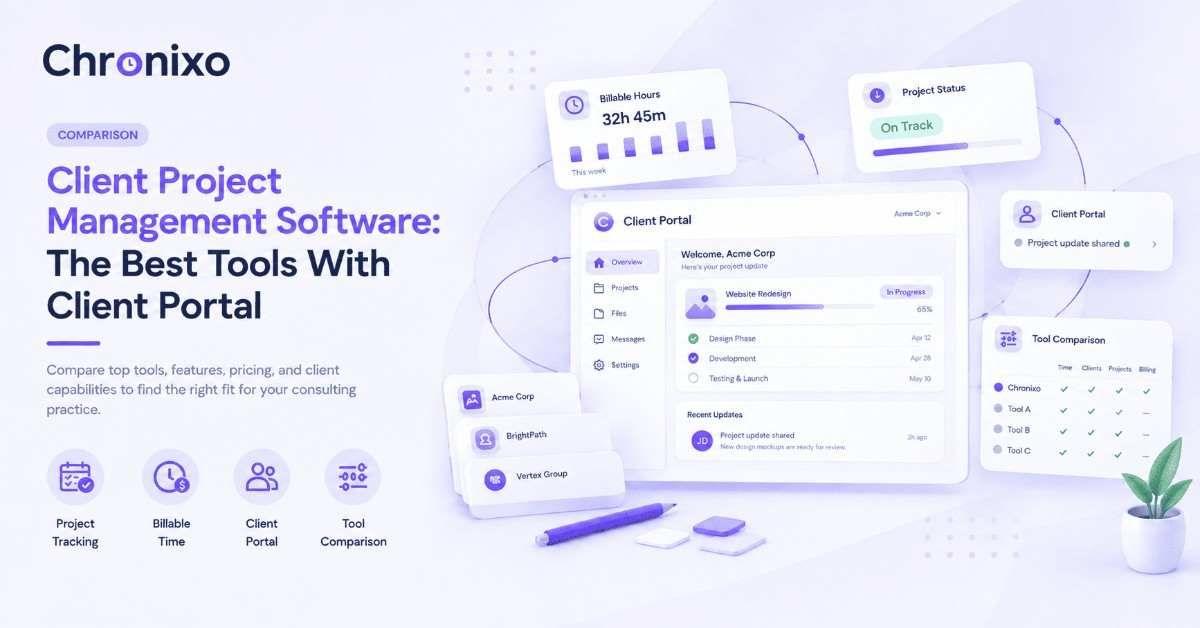
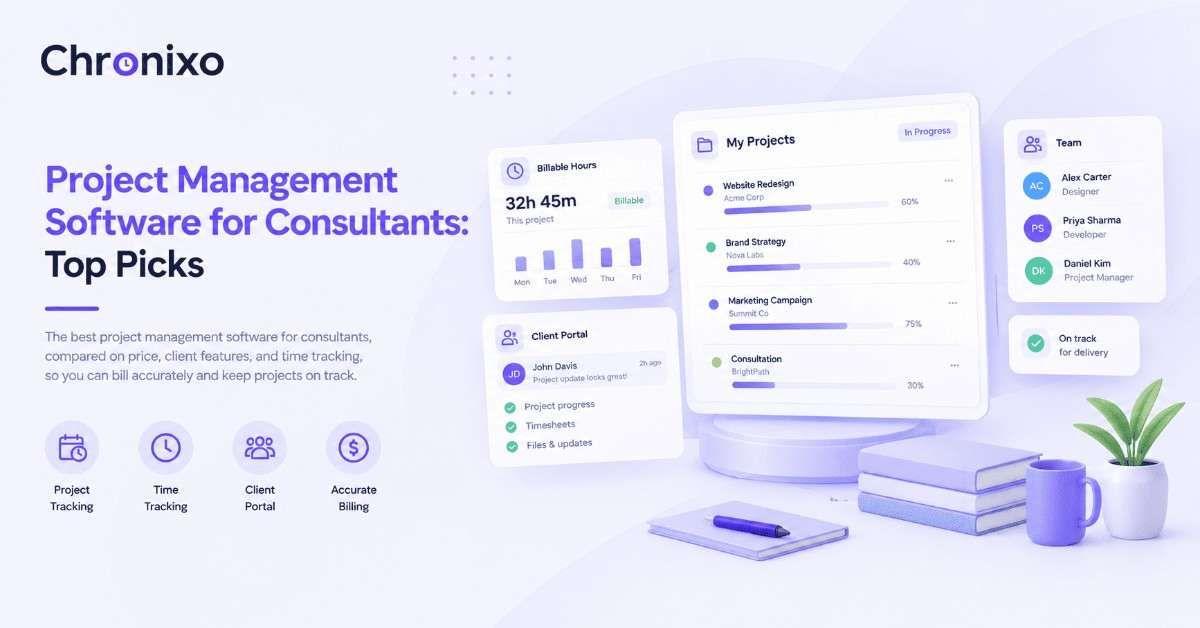
Every Chronixo workspace includes a branded client portal. Clients log in and see their project in real time.
- Sprint progress and task completion percentages
- Milestone status and upcoming deadlines
- Shared documents and deliverables
- Comments and feedback on specific tasks
Two access roles are available. Read-only is for clients who need visibility. Reviewer is for clients who need to comment on deliverables and upload feedback files. No PDF attachments. No waiting until Friday for a status update.
Four-Level Timesheet Approval Chain
Before any timesheet is exported or used for billing, it passes through a structured approval workflow.
- Team member submits the timesheet
- Team Lead reviews and approves
- Project Manager signs off
- Finance gives final approval
Every approval is timestamped and stored with a full audit trail. No billing period closes with unverified hours. No client receives a timesheet that has not been formally reviewed at multiple levels. This is a feature that does not exist in any competing platform at any price tier.
BYOS S3 Screenshot Monitoring
Remote teams need a way to verify that work is happening. But storing screenshot data on a third-party server creates real compliance risks, especially for agencies working with clients in regulated industries or under NDAs.
Chronixo's screenshot monitoring works differently. All screenshots are written directly to your own AWS S3, GCP, or Azure Blob bucket. Chronixo receives only metadata such as timestamps and activity percentages. Employee screenshots and client work never touch Chronixo servers. BYOS S3 is available on every paid plan at no additional cost.
Browser Extension for 30+ Tools
The Chronixo browser extension puts a one-click timer inside the tools your team already uses every day, including GitHub, GitLab, Jira, Linear, Notion, Asana, ClickUp, and over 25 more. Your team tracks time from wherever the work is happening, not from a separate tab they have to remember to open.
Who Chronixo Is Built For
Chronixo was designed for teams that bill clients by the hour or against a retainer, manage multiple active client projects simultaneously, run project-based or sprint-based work, and need clients to have self-service visibility into their project.
Industries that are the best fit:
- Software development agencies and IT outsourcing firms
- Digital marketing and SEO agencies
- Creative and design studios
- Management consulting firms
- Managed IT service providers
- Law firms tracking billable hours by matter
- Interior design firms billing by project phase
- Freelancers and independent contractors managing multiple clients
Who Chronixo Is Not For
Being honest about this matters to us. Chronixo is not the right tool for every team.
- Field workers and construction crews: There is no mobile app in the current version. The desktop app and web panel serve teams working at computers.
- Retail and hospitality staff: Chronixo is not a shift scheduling or workforce management tool.
- Clinical healthcare teams: Time tracking in clinical environments has very different requirements. Chronixo was not built for that context.
A tool that tries to serve every team tends to serve none of them particularly well.
What We Left Out of Version One and Why
Some capabilities are not in Chronixo today. This was a deliberate choice.
- Invoicing: Agencies already have accounting tools they trust, whether that is Xero, QuickBooks, or FreshBooks. Chronixo exports timesheets as PDF, CSV, or Excel so data flows cleanly into your existing billing system. Native invoicing is on the roadmap.
- Deskop app: The desktop app runs on Windows, macOS, and Linux. For teams working at computers, this covers the full working day. GPS-based mobile tracking solves a different problem for a different audience.
- Leave management and payroll export: These are coming in a future version. They are not in the platform today.
Every product decision involves a trade-off between breadth and depth. We chose depth in the areas that matter most to the agencies we built Chronixo for: time tracking accuracy, sprint management, client transparency, and billing accountability.
Try Chronixo Free for 14 Days
If you run an agency or a knowledge-work team and you have had the invoice conversation, the sprint update that took three hours to prepare, or the question from a client about what their retainer hours were actually spent on, Chronixo was built for those moments.
The 14-day trial gives you full Agency Pro access from day one. Your workspace is live at your own subdomain within minutes of signing up. The sprint board, client portal, approval chain, browser extension, and BYOS S3 setup are all available immediately.
Start your free 14-day trial. No credit card required. Setup in under 10 minutes.