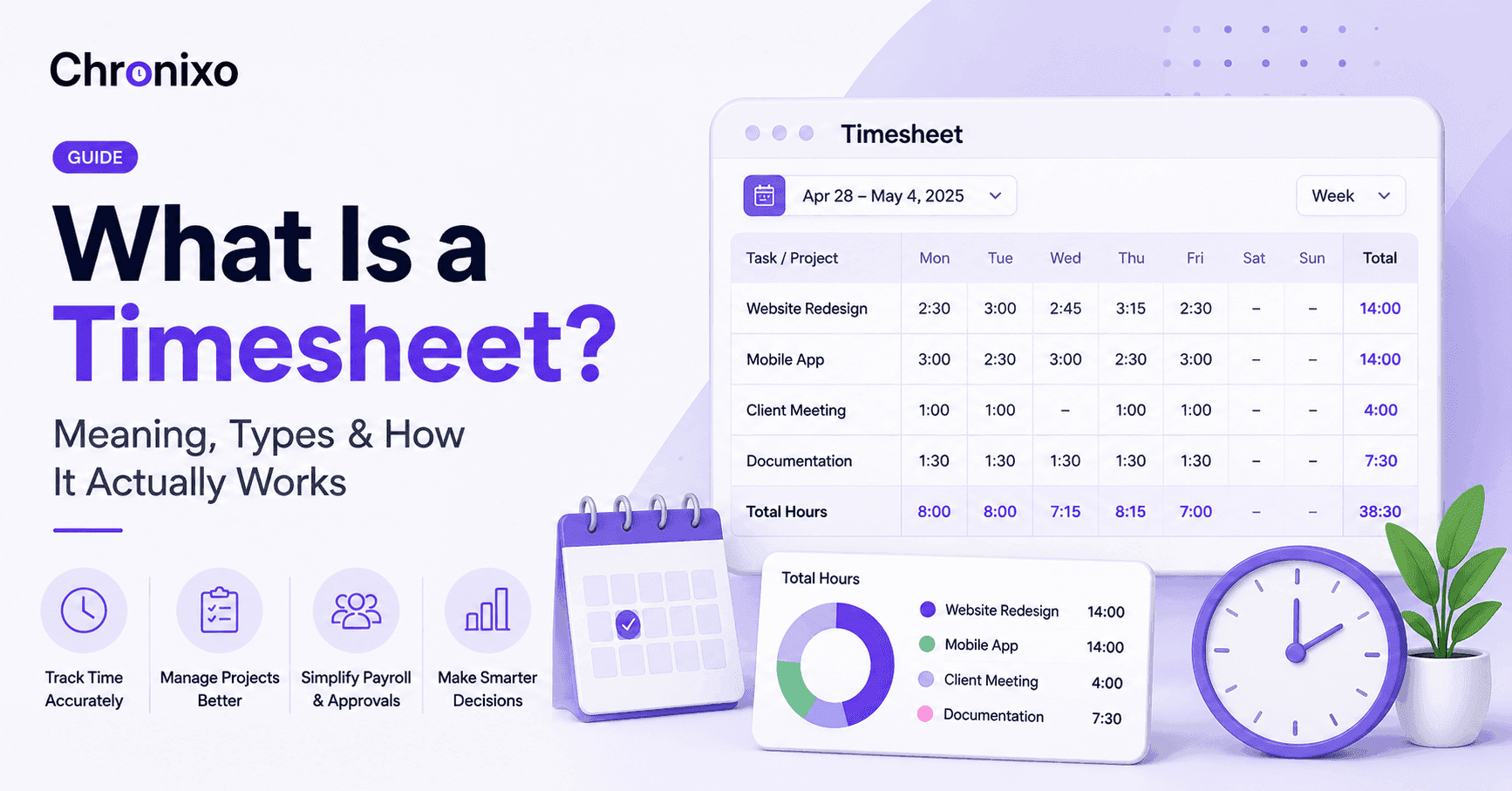
A timesheet is a record of the hours someone works against specific tasks or projects, usually logged daily or weekly. Teams use timesheets to bill clients accurately, track project costs, confirm hours for payroll, and see where time actually goes across a project.
Manual data entry carries a real error rate, somewhere between 1% and 8% depending on the study, and a large share of payroll mistakes trace directly back to manual timesheet systems. That is not a small numbers problem. Across a team of any size, a few misread hours or a missed entry adds up fast, in wrong paychecks, disputed invoices, and hours spent by a manager just double-checking what should have been simple.
This guide walks through what a timesheet actually is, the types teams use, how manual and automatic tracking compare, and what happens once a timesheet gets submitted. Whether you are setting up your first system or replacing a spreadsheet that has stopped working, you will find what you need here.
Key Takeaways
- A timesheet tracks hours against work, not just time. The value is not the hours themselves, it is knowing which project, task, or client those hours belong to.
- The format depends on the job. Daily, weekly, monthly, and project-based timesheets each fit a different kind of work, and using the wrong one creates friction.
- Manual entry carries a real error cost. Handwritten or spreadsheet timesheets have documented error rates between 1% and 8%, which compounds across a team and a pay period.
- Submission is only half the process. A timesheet is not finished until it is approved, and how that approval works matters as much as how the hours were logged.
- The right template saves setup time. A weekly timesheet template gets most teams running faster than building a tracking system from scratch.
What Is a Timesheet?
A timesheet is a record of the time someone spends on tasks, projects, or clients over a set period, usually a day or a week. At its simplest, it answers one question: who worked on what, and for how long.
That sounds basic, but the reason timesheets exist at all is what they connect to. A timesheet feeds payroll, so hours get paid correctly. It feeds client billing, so invoices match the work actually done. And it feeds project reporting, so a manager can see whether a project is running on budget or quietly going over.
Without a timesheet, all three of those depend on memory, guesswork, or a conversation after the fact. With one, they depend on a record.
Why Do Teams Still Use Timesheets?
It is a fair question. Time tracking software has existed for years, so why has manual tracking not disappeared?
Mostly because switching takes effort, and a lot of teams keep using what already works well enough, until it does not. The problem tends to show up gradually, in patterns like these:
- A client questions an invoice and nobody can point to the exact hours worked
- Payroll takes longer each cycle because someone has to clean up entries first
- A project quietly runs over budget and nobody notices until it is too late to adjust
- Two people log the same task differently, so reporting never quite adds up
None of these are timesheet problems exactly. They are what happens when the timesheet itself is unreliable. And that unreliability has a real, documented cost: manual data entry carries an error rate of roughly 1% to 8%, and a large portion of all payroll errors are tied directly to manual systems. Across a full team and a full year, that is not a rounding error. It is real money and real time spent fixing something that should not have needed fixing.
Types of Timesheets
Not every job fits the same tracking format. Here is how the main types compare.
| Type | Best For | Example |
|---|---|---|
| Daily timesheet | Hourly or shift-based work where hours vary day to day | A field technician logging hours per job site each day |
| Weekly timesheet | Salaried or project-based teams tracking a normal work week | A consultant logging hours across three client projects each week |
| Monthly timesheet | Roles where detailed daily tracking is not needed | A retainer-based freelancer summarizing hours once a month |
| Project-based timesheet | Teams billing or reporting by project rather than by week | An agency tracking hours against a specific client deliverable |
Manual vs Automatic Timesheets
This is the decision most teams eventually have to make, and it is worth being direct about the trade-offs.
| Manual Timesheets | Automatic Timesheets | |
|---|---|---|
| How hours are logged | Typed or written in at the end of the day or week | Tracked in real time as work happens, via a timer or app |
| Accuracy | Error rate of roughly 1% to 8%, based on memory and estimation | Reflects actual time worked, no guessing required |
| Setup effort | None, works with a spreadsheet or paper form | Requires installing or opening a time tracking tool |
| Best for | Very small teams with simple, low-stakes tracking needs | Teams billing clients, running payroll, or managing multiple projects |
| Biggest risk | Rounded, forgotten, or inflated entries | Minimal, assuming the tool is used consistently |
Neither option is wrong on its own. It depends on what is riding on the accuracy of those hours. If a timesheet only informs a rough internal estimate, manual tracking might be fine. If it determines what a client gets billed or what an employee gets paid, the error rate on manual entry becomes a real liability.
Chronixo tracks time against the exact task it belongs to, then rolls it into a timesheet automatically, no manual entry, no end-of-week guessing.
Start Free Trial →How to Fill Out a Timesheet
If you are doing this manually, or setting up a process for your team, here is the sequence that avoids the most common mistakes.
- Log time against the actual task, not just the day. "Worked on Project X" is far less useful than "3 hours on Project X, homepage revisions."
- Enter hours as you go, not at the end of the week. This is the single biggest driver of the 1% to 8% error rate. Memory fades fast.
- Round consistently, not generously. Pick a rounding rule, such as to the nearest 15 minutes, and apply it the same way every time.
- Flag anything unusual before submitting. Overtime, a missed break, or a task that ran long should be noted, not smoothed over.
- Submit before the deadline, not after. Late timesheets are one of the most common causes of delayed payroll and rushed approvals.
What Happens After You Submit a Timesheet?
Submitting a timesheet is not the end of the process. It is the start of the approval stage. A manager or team lead reviews the hours, checks them against the work completed, and either approves or sends them back with a note.
A proper timesheet approval workflow typically follows these steps.
- The team member submits their timesheet at the end of the period
- A team lead or direct manager reviews the entries for accuracy
- The manager approves the timesheet or flags specific entries for correction
- Approved timesheets are passed to finance or payroll for processing
Without a structured approval step, errors and disputes are far more likely to surface later, when they are harder to fix. This is why most professional teams build approval into their process rather than treating submission as the final step.
Weekly Timesheet Templates You Can Use
If you are setting up tracking for the first time, starting from a template beats building a format from scratch. Here is how the common options differ.
| Template Type | Format | Best For |
|---|---|---|
| Simple weekly grid | Day-by-day rows, single "hours worked" column | Very small teams, one task per person |
| Project-based weekly | Rows for each project or client, hours split by day | Agencies, consultants, freelancers billing multiple clients |
| Task-level weekly | Individual tasks listed, hours logged per task per day | Software teams, project-based work with several deliverables per week |
| Approval-ready weekly | Includes a built-in submit and approve status column | Teams that need a formal sign-off step before payroll or billing |
For most teams doing client or project work, the project-based or task-level format is worth the extra setup time. It is the difference between a timesheet that just records hours and one that actually explains where the time went.
Next Steps
A timesheet is a simple idea with a lot riding on it: accurate payroll, honest client billing, and a real picture of where a team's time actually goes. The format that fits your team depends on how you bill and how complex the work is, but the accuracy problem is the same for everyone. Manual entry carries a real, measurable error rate, and that cost only grows as a team grows.
Chronixo handles time tracking, approvals, and reporting in one workspace. Start your free 14-day trial and see how it works for your team.