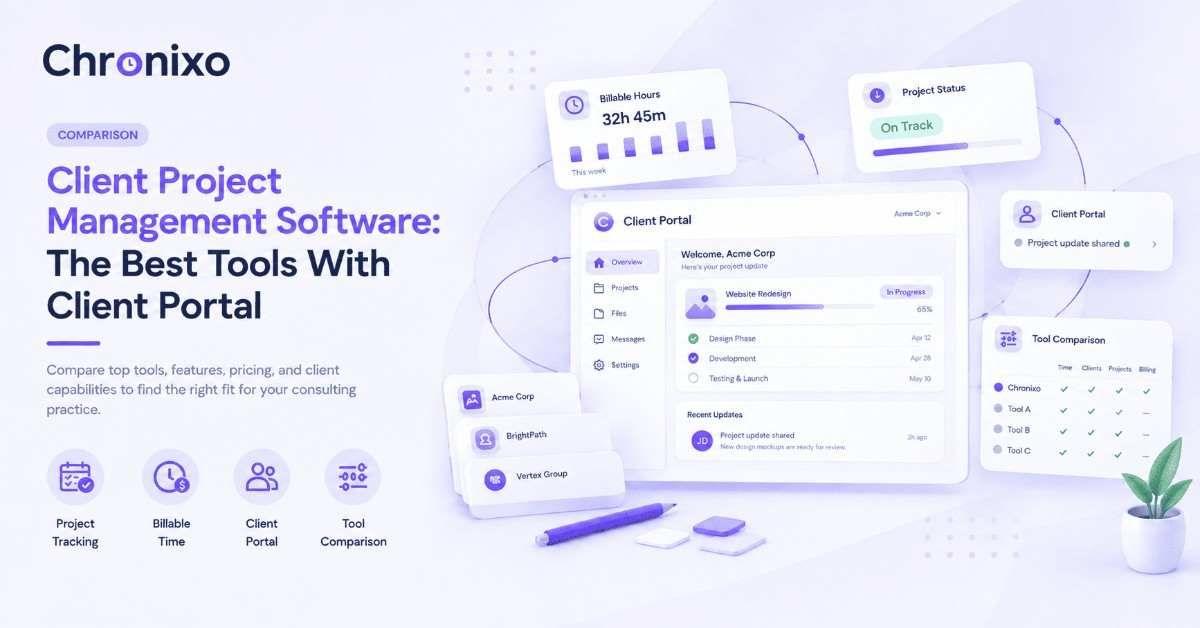
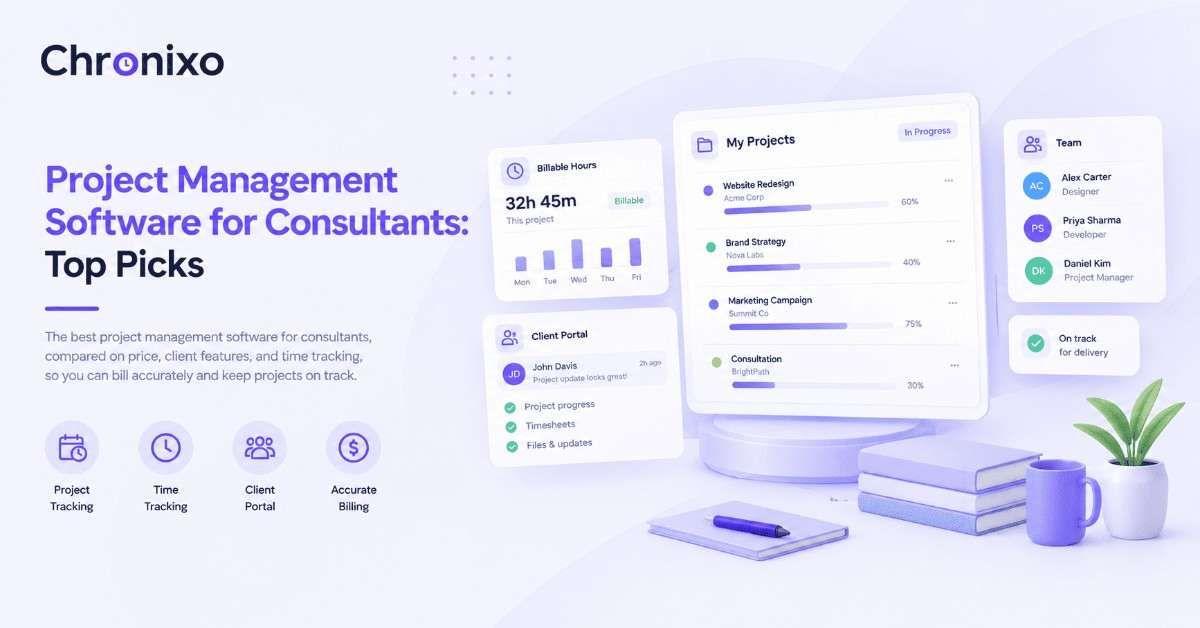
Choosing time tracking software is less about finding the "best" tool and more about finding the right fit for how your team actually works. A freelancer billing three clients has completely different needs from a 40-person agency running dozens of projects. This guide breaks down the features that actually matter, what time tracking software costs, who needs it, and how to evaluate options, so you can shortlist confidently. Chronixo builds all of this into one workspace, and its Time Tracking is a good reference point for what a complete, modern setup looks like.
Key Takeaways
- Fit matters more than "best." The right tool depends on whether you're billing clients, managing remote staff, or running multi-project work, not on generic rankings.
- Accuracy is the non-negotiable feature. Real-time capture beats manual entry, everything downstream (billing, payroll, reporting) inherits the accuracy of how hours are tracked.
- Pricing usually scales per user. Most tools charge per seat per month; watch for feature-gating on lower tiers and free plans with real user limits.
- The must-have features are consistent. Timers, automatic capture, timesheets, approvals, and reporting form the core; screenshots and idle detection matter for accountability-sensitive teams.
- Match the tool to your team type. Consultants, freelancers, remote teams, and agencies each have a distinct priority, know yours before you shortlist.
Who Needs Time Tracking Software?
Not every team needs dedicated time tracking software, but for several, it stops being optional the moment hours start affecting money. Each of the groups below has a different priority, which is exactly why the tool that fits a solo freelancer rarely fits a 40-person agency.
Consultants and Consulting Firms
For consultants, time is the product. Every hour that goes untracked, or gets reconstructed from memory at the end of the week, is either lost revenue or a number you can't defend when a client questions the invoice. Consulting teams need precise, billable-hour tracking tied to specific engagements, plus clean records they can hand over without a second thought. The priority here is accuracy and defensibility over everything else, because the tracked hour is what gets billed. For a deeper look, see our guide to time tracking software for consultants.
Freelancers
Freelancers face a different version of the same problem: multiple clients, each needing their own clean, separate record. The priority is simplicity and low friction, a tool that makes it effortless to switch between clients and produce a tidy summary per project, without the overhead of enterprise features nobody working solo actually needs. For freelancers, the software should get out of the way and just keep an honest record, which is exactly what we cover in time tracking software for freelancers.
Remote and Distributed Teams
When a manager can't see the work happening, accurate capture replaces line-of-sight. Remote and distributed teams need automatic, real-time tracking and activity visibility so that hours reflect reality rather than end-of-day guesswork, and so managers get an honest picture without micromanaging. The priority is automatic capture and trust-building transparency, tracking that works quietly in the background and gives both sides confidence in the numbers.
Agencies
Agencies run many projects at once, and profitability lives or dies on knowing exactly where time goes. The priority is project-level tracking that rolls up into reporting, so an agency can see which clients and projects are actually profitable, not just how many hours were logged in total. For agencies, time tracking isn't an admin task, it's the data behind every pricing and staffing decision, as we break down in time tracking software for agencies.
The Features That Actually Matter
Time tracking tools list dozens of features, but only a handful genuinely affect whether the software works for you. Here are the ones worth weighting heavily when you compare options:
| Feature | Why it matters | Who needs it most |
| One-click timers | Low-friction tracking means people actually use it, consistently | Everyone |
| Automatic / real-time capture | Removes the error risk of logging hours from memory later | Remote teams, agencies |
| Timesheets & approvals | Turns raw hours into reviewed, billable records | Client-billing teams |
| Screenshots & idle detection | Verifies logged hours reflect actual work | Accountability-sensitive roles |
| Project & task-level tracking | Ties hours to specific work, essential for profitability | Agencies, project teams |
| Reporting & exports | Turns tracked time into billing and decisions | Everyone billing or planning |
| Offline mode | No lost time when connectivity drops | Distributed / field teams |
A tool that nails accuracy and the two or three features your workflow depends on will serve you far better than one with the longest feature list. This is exactly the philosophy behind Chronixo's Time Tracking, automatic capture, screenshots, idle detection, and offline sync that roll into clean timesheets without manual work. Screenshot capture in particular comes with its own considerations, which we cover in time tracking software with screenshots.
Chronixo brings timers, screenshots, idle detection, timesheets, and reporting into one workspace, every feature in one plan at $8/user/mo.
Start Free Trial →How Much Does Time Tracking Software Cost?
Most time tracking software is priced per user, per month, but the pricing model matters as much as the number. Many tools advertise a low entry price, then gate the features you actually need (approvals, screenshots, client access) behind higher tiers, so the real cost is often two or three times the headline rate once you add what your team needs.
Chronixo takes the opposite approach with a single plan that includes every feature, priced by team size rather than by tier:
| Plan | Price | What's included |
| Agency Pro (monthly) | $8 / user / month | Every feature, unlimited team members, no gates |
| Agency Pro (annual) | 25% off the monthly rate | Same full feature set, billed annually |
| Enterprise (100+ seats) | Custom pricing | Everything in Agency Pro plus SSO, dedicated support, migration |
| Free trial | 14 days, no credit card | Full Agency Pro access to evaluate before paying |
The advantage of a single-plan model is that the price you see is the price you pay, sprint planning, the 4-level approval chain, the client portal, screenshots, and BYOS S3 storage are all included from the first paid month rather than locked behind an upgrade. You can try the full product free for 14 days with no credit card, and Chronixo prorates billing so you only pay for the seats you actually use.
Why Teams Switch to Chronixo
Most time tracking tools cover the basics, timers, timesheets, reports. Where they differ is what they don't offer, and for client-billing teams, four capabilities set Chronixo apart from the usual names (Clockify, Hubstaff, Time Doctor, Harvest):
| Capability | Chronixo | Most competitors |
| Native sprint planning | Included | Not offered |
| Client portal on the entry plan | Included | Not offered or higher tier only |
| BYOS S3 (your screenshots stay in your own cloud) | Included | Not offered |
| 4-level approval chain | Included | Not offered |
The BYOS S3 option is worth calling out specifically: screenshots route straight to your own AWS, GCP, or Azure bucket, and Chronixo receives only metadata, timestamps and activity percentages, never the images themselves. For teams with any data-sensitivity or compliance concern around monitoring, that's a genuine differentiator, not a marketing line. Combined with a single all-inclusive plan, it's the main reason teams evaluating several tools end up switching, as our roundup of the best employee time tracking software shows in context.
How to Choose the Right Time Tracking Software
Once you know your team type and the features that matter, evaluating options becomes straightforward. Work through these steps in order:
- Define your primary use case. Client billing, remote oversight, or project profitability, this decides which features are non-negotiable.
- List your must-have features. From the table above, mark the two or three your workflow genuinely depends on.
- Check pricing at your actual team size. Multiply per-user cost by your headcount at the tier that unlocks your must-haves, not the entry price.
- Test accuracy and ease of use. Run a free trial with a real project; if tracking is friction-heavy, people won't use it consistently.
- Confirm it scales. The right tool should still fit when your team is twice the size, not force a migration in a year.
If you follow those five steps, the shortlist usually narrows itself to two or three genuine contenders, and the free trials settle it from there.
Where Chronixo Fits
Chronixo is built for teams that bill by the hour and run on results, agencies, consultants, and remote teams especially. Its Time Tracking combines a desktop timer with screenshots, idle detection, activity tracking, and offline sync, all rolling automatically into clean timesheets and reports. Every feature sits in one $8/user/mo plan with no tiers to navigate, and a 14-day free trial (no credit card) lets teams evaluate the full product before committing.
That combination, accuracy by default, the features client-work teams actually need, and one all-inclusive plan with no feature gates, is what makes it worth shortlisting against the bigger names.
Next Steps
Choosing time tracking software comes down to three things: knowing your team's primary use case, weighting the handful of features that genuinely matter, and checking pricing at your real team size rather than the headline rate. Get those right and the decision is far simpler than the crowded market makes it look.
If you want a starting point that covers accuracy, the core features, and transparent all-inclusive pricing, Chronixo is built exactly for hourly and client-based teams, one plan, every feature, $8/user/mo. Start a 14-day free trial with a real project and see whether it fits how your team actually works.